

Wedding websites with RSVP
Your wedding website — with every guest reply in one place
Share the day's schedule, the venue on a map, the dress code, your music and your story in photos — all behind one link. Guests reply in a few taps, choose their menu and drinks, and every answer lands in your dashboard.
A wedding website does more than a paper invitation
Choose a design and make it yours. Tell guests what's planned for the day, show the venue on a map, set the dress code, add your music and let guests confirm through a simple reply form (RSVP). Everything about your celebration, behind one link.
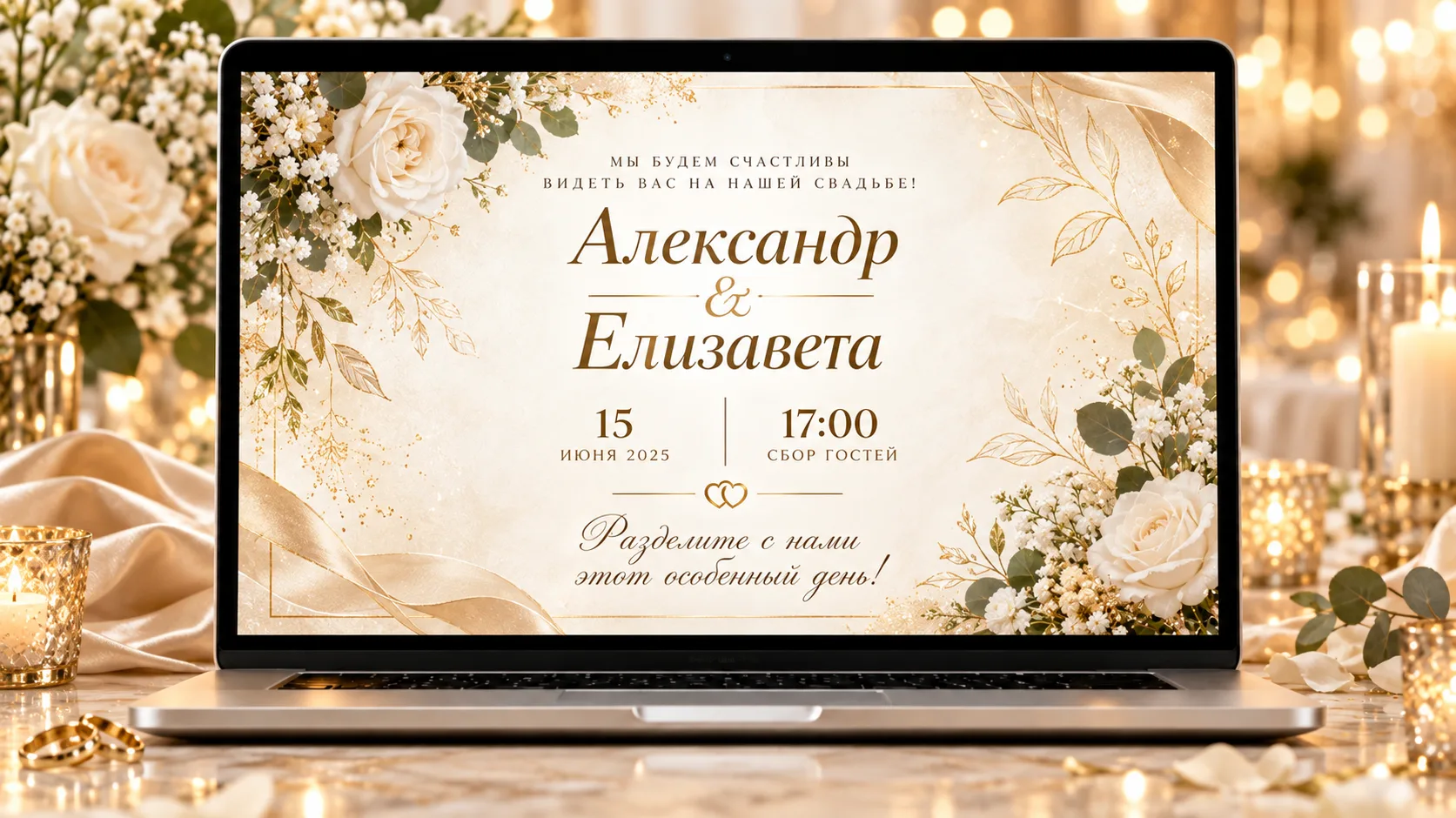
- Day schedule and map
- Music, photos and dress code
- Guest replies with menu and drinks
- One link for all your guests
How it works
- 01

Choose a design
Browse our wedding website designs — seaside, floral, classic or minimal — and start with the one you love.
Wedding website designs - 02

Make it yours
Names, date, schedule, map, dress code, music and questions for guests — edit everything right in your browser.
Editor in your browser - 03

Share one link
Guests open the invitation and let you know whether they're coming. Their replies are collected in your dashboard.
A link for your guests
Ask your guests exactly what you need
No need to build a form from scratch: in your dashboard you switch on only the questions that matter for your celebration. The reply form sits right on the guest page — guests reply via the link, and their answers land in one tidy list.
Switch on only what you need
Drinks, menu, transport, allergies, music requests — each block can be turned on separately, so guests only see what's relevant.
One link — or one per family
Share a single link with everyone by WhatsApp, Telegram or email, or create personal links so you know exactly which family has replied.
Every reply in your dashboard
Who's coming, how many guests, menu and drink choices, wishes — all in one list with filters, ready to export to Excel.
Questions your guests will see
Example guest reply
- Status
- Attending · 2 adults
- Menu
- Fish, vegetarian
- Drinks
- White wine, Prosecco
Frequently asked questions
A quick guide to wedding websites, designs, the editor, payment and guest replies. You'll find the full list on our FAQ page.
All answersA wedding website brings together the day's schedule, the address, a map, the dress code, music and an RSVP form behind one link. It's easy to share by WhatsApp, Telegram or email, and whenever you change something, guests see it straight away at the same link.
Yes. Choose a ready-made design, then set up the text, photos and sections you need in the editor, right in your browser. There's nothing to install.
RSVP comes from the French “Répondez s’il vous plaît” — “please reply”. On an invitation it asks guests to let the hosts know whether they're coming. On WeddingLink, the RSVP form is part of your wedding website: guests confirm whether they're coming, how many of them there are and which menu they'd like, and you see every reply in your dashboard.
Guests open the invitation via the link and fill in the RSVP form: whether they're coming, how many of them there are, and their menu and drink preferences. The replies are collected in your dashboard.
Yes. Every design has a live demo, and once you've created your website, you can set it up for free.
No. After you create your website, guests can see all of it for 12 hours. After that, they can no longer open it, but your dashboard is kept for at least 30 days. To make the invitation visible to guests again, activate your website in your dashboard — it's a one-off payment, not a subscription.
Create your wedding website
Your schedule, map, music and reply form on one beautiful page. Try it for free, then pay once to keep it online until your wedding.